Rover UC Quick Tutorial 3D Ground Scan
June 10, 2022

The operation mode 3D Ground Scan provides a detailed measurement of structures like cavities underground. It allows you to determine the width, size and depth of the treasure. The scan results can also be displayed threedimensionally in OKM’s software Visualizer 3D Studio.
In this tutorial you’ll learn how to:
- prepare your 3D Ground Scan
- start the scan
- scan further lines
- end your scan
- interpret the displayed parameters
- analyze your results
October 11, 2022
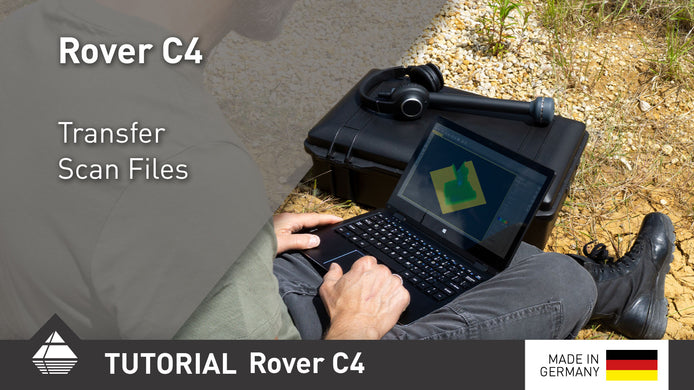
Rover C4 Quick Tutorial Transfer Scan Files
After performing your scans, transfer them to the Windows notebook via Bluetooth for further analysis.

January 15, 2025
Importing Data via Bluetooth | V3DS Tutorial
Quickly import scan data from the Detector to your PC using Bluetooth in this easy V3DS tutorial. Simplify your process ...
October 16, 2024
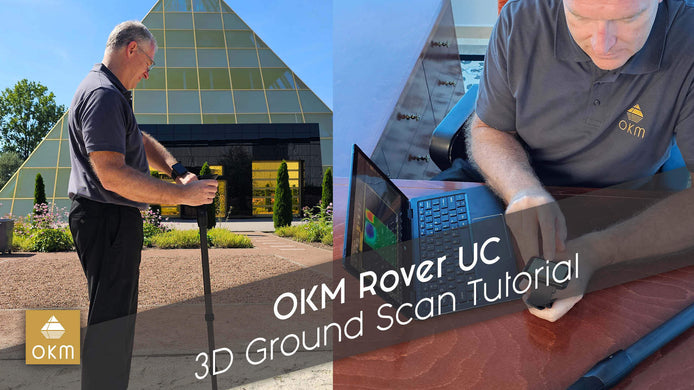
OKM Rover UC | 3D Ground Scan Tutorial
Join Mark Harris as he demonstrates the power of the OKM Rover UC for 3D ground scanning. Watch now to ...