eXp 6000 Quick Tutorial Mineral Scan
November 20, 2021
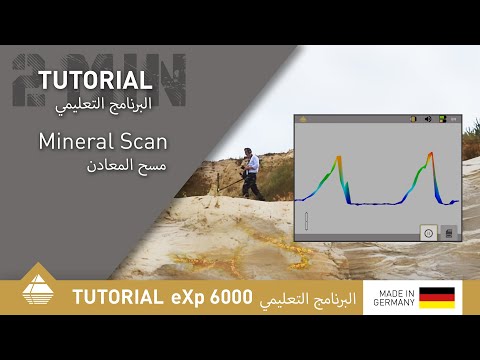
In this tutorial we want to show you how to use the operating mode Mineral Scan. The operating mode Mineral Scan on your OKM eXp 6000 is used to detect natural mineralization. You can perform Scans that are up to 200 meters/ 656 ft long, but the recommended path length is 50 to 100 meters or 164 to 328 ft.
In this video you will learn how to:
- prepare your scan
- start the scan
- pause the scan and continue
- finish the scan
- analyze your scan

November 13, 2025
How to Perform a Mineral Scan Using the eXp 7000 Professional Plus
Learn how to perform a Mineral Scan with the OKM eXp 7000 Professional Plus to detect natural gold deposits and ...

September 26, 2025
How to Use Mineral Scan Correctly | OKM eXp 7000 Tutorial
Learn how to correctly use the Mineral Scan mode of the OKM eXp 7000 Professional Plus to locate natural gold ...

August 02, 2022
Behind the Scenes: Making of OKM Tutorials
The video shoot for the current Rover C4 tutorials took place in a former gravel pit: Perfect to test the ...