Rover C4 Quick Tutorial Transfer Scan Files
11 اكتوبر 2022

After performing your scans, transfer them to the Windows notebook via Bluetooth. After importing your scans you can analyze them in our software Visualizer 3D Studio. In this Video we show you how to establish the connection between your Rover C4 and how to transfer your scans.
21 فبراير 2025
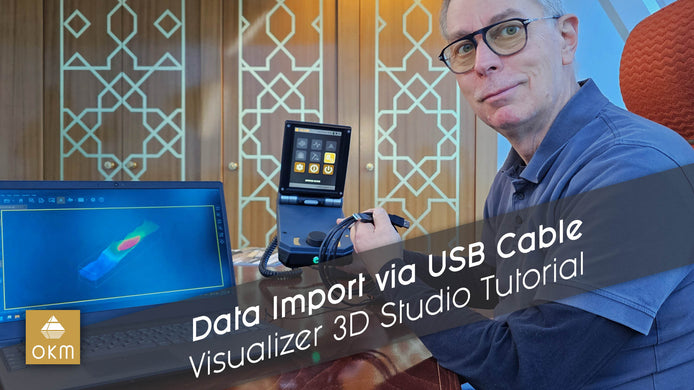
استيراد بيانات المسح عبر كابل USB | دليل Visualizer 3D Studio
تعلم كيفية نقل البيانات بسهولة من جهاز المسح الأرضي ثلاثي الأبعاد من OKM إلى جهاز الكمبيوتر الخاص بك من خلال ...

15 يناير 2025
Importing Data via Bluetooth | V3DS Tutorial
Quickly import scan data from the Detector to your PC using Bluetooth in this easy V3DS tutorial. Simplify your process ...

02 أغسطس 2022
ما وراء الكواليس: صناعة دروس OKM التعليمية
تم تصوير الفيديو لدروس روفر C4 التعليمية الحالية في حفرة حصى سابقة: مثالي لاختبار الماسح الأرضي ثلاثي الأبعاد في ظروف ...